
Lyft's 2026 App Overhaul: What Choose Your Ride Type and Stackable Bonuses Mean for Your Earnings
For years, driving for Lyft meant reacting to whatever the algorithm decided to send you. You could not choose your ride types, you could not predict your bonuses, and you definitely could not plan your week around anything the app told you. That changed with Lyft's 2026 redesign, and it is worth understanding in detail because it directly affects how much you can earn and how much control you have over your own schedule.
Choose Your Ride Type: picking your lane instead of taking whatever comes
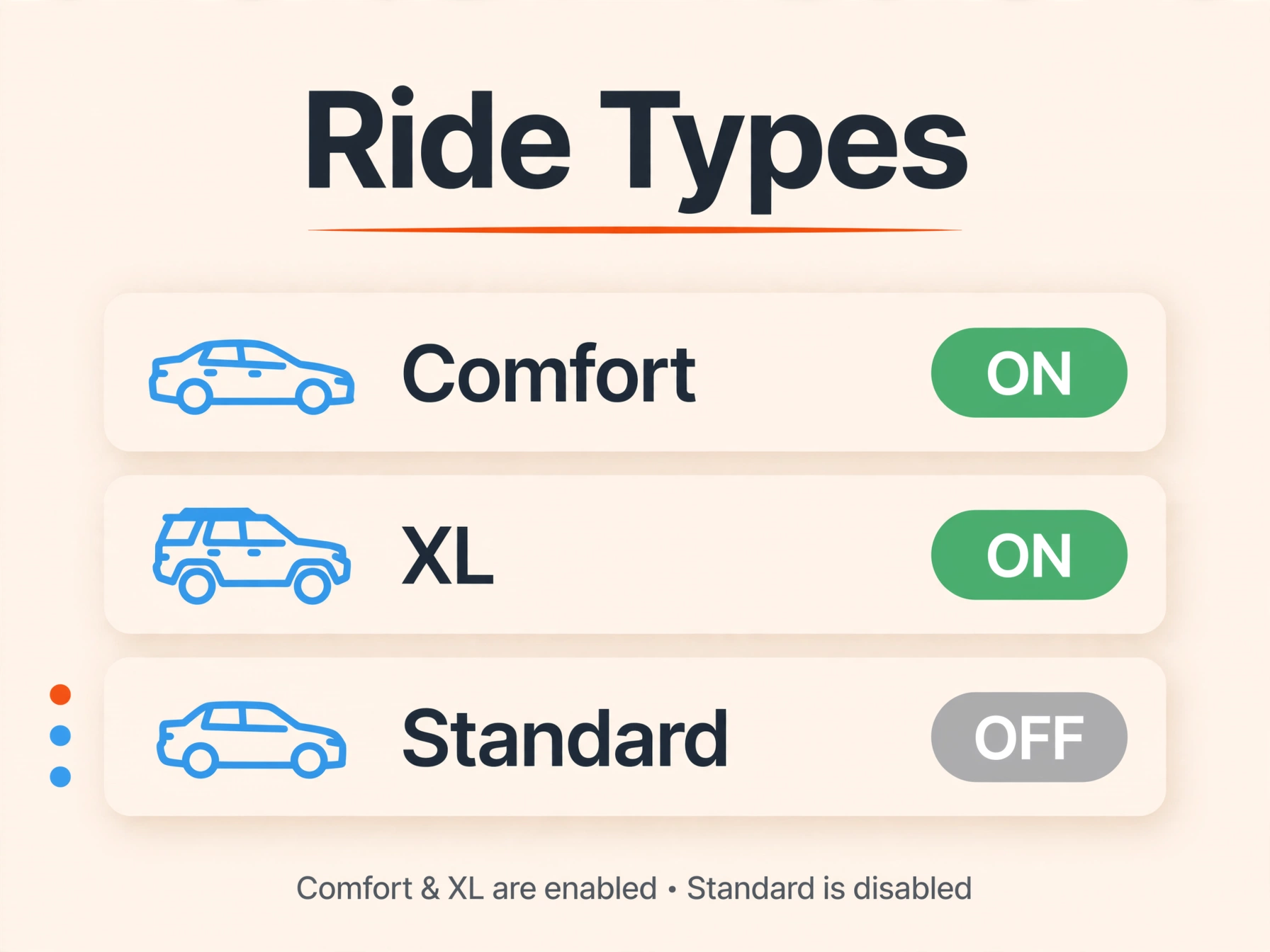
The most talked about change is the new Ride Types menu. Instead of qualifying vehicles being funneled into standard rides just to stay active, drivers can now toggle categories like Extra Comfort, XL, and Black on or off whenever they want.
Here is why this matters. If you drive a vehicle that qualifies for Extra Comfort, you no longer have to accept lower paying standard rides during your peak hours. You can turn standard off, focus only on higher paying categories, and let the lower paying pings pass you by. Drivers with SUVs or larger vehicles can do the same with XL, staying selective instead of getting pulled into every ping that comes through.
Say you normally accept every ride type during a Friday evening shift and average around 24 dollars an hour before expenses. If you switch to Extra Comfort only during that same window and the higher per ride rate offsets the lower ride volume, some drivers report averaging closer to 28 to 30 dollars an hour before expenses during peak hours specifically. This is an illustrative example, not a guarantee, since actual results depend heavily on your market, your vehicle, and local demand. The strategic move is testing it in your own market during a few peak shifts and comparing your own numbers before committing to it full time.
Stackable Bonuses: Turbo and Flash Turbo working together
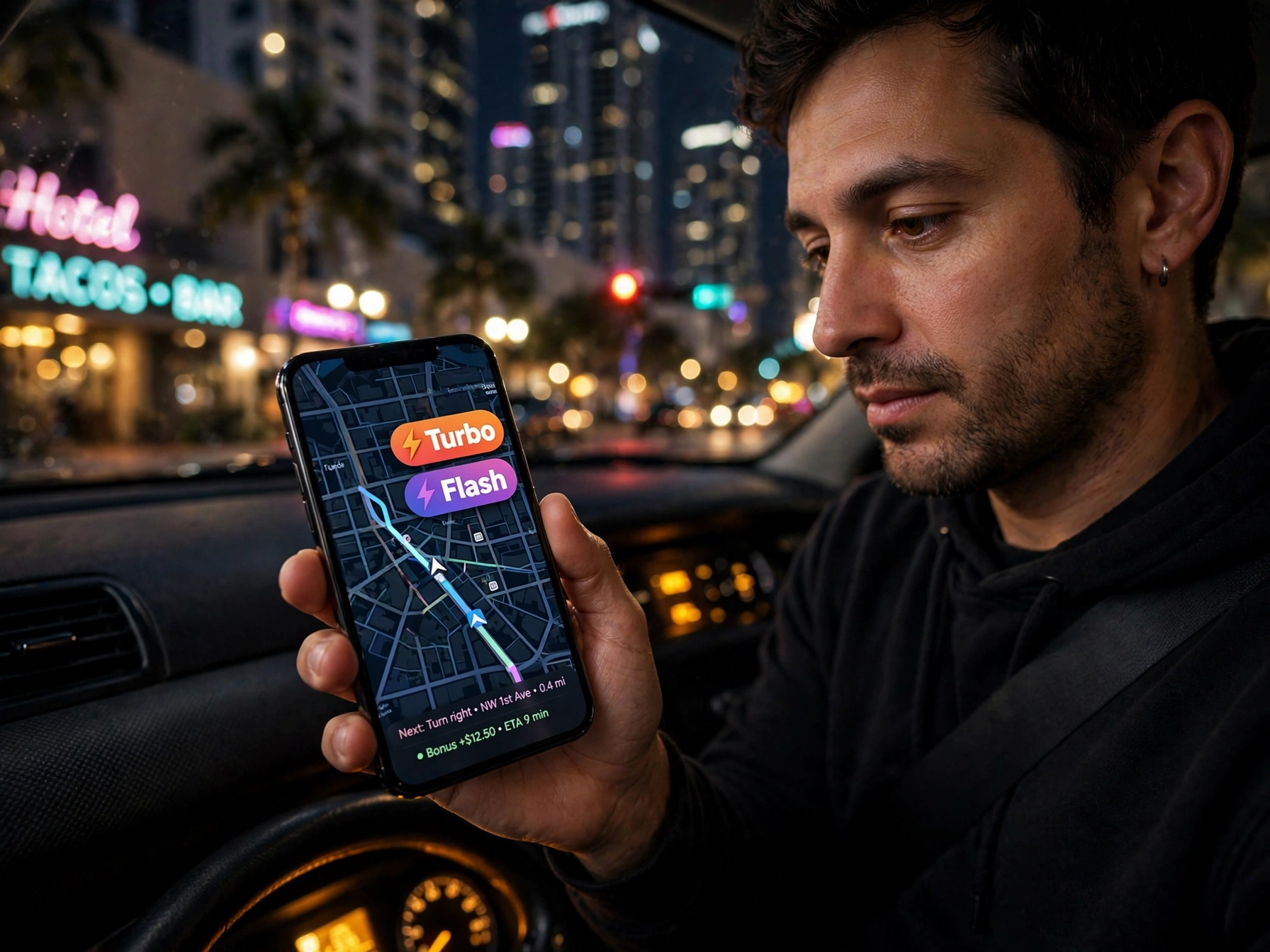
The second major change is how bonuses now combine. Lyft's incentive structure used to keep bonus types separate, forcing drivers to essentially pick one path. Now there are two bonus types that can stack on the same trip.
Turbo bonuses are scheduled and percentage based, visible in advance so you can plan your shift around them. Flash Turbo bonuses activate in real time when rider demand suddenly spikes in your area. Under the new system, a single ride can qualify for both at once, meaning your earnings on that trip get boosted twice instead of you having to choose between opportunities.
Paired with this is a faster Wait Time Pay trigger, which now starts paying drivers after just one minute of waiting at a pickup instead of the longer wait required previously. This change alone appears to make more rides eligible for extra compensation, according to Lyft's own reporting on the update, quietly addressing one of the most common driver complaints about unpaid dead time.
Strategically, this means it is worth actually watching for both bonus types stacking on the map rather than driving on autopilot. A ride that shows both a scheduled Turbo and a live Flash Turbo at the same time is worth prioritizing over a ride with no bonus indicators at all, even if the base fare looks similar.
A few other features worth knowing about
The redesign also introduced Location Filters, giving drivers three ways to control their geography. Arrive on Time matches you with rides heading roughly toward a destination by a set time. Head to Destination only pairs you with riders traveling toward your chosen endpoint. Stay Within Area limits rides to a smaller radius, which is useful if you want to stay in one high demand neighborhood instead of getting pulled across town.
There is also a new Manual Accept option for queued rides, letting drivers review the next trip's details before their current ride even ends, instead of relying only on auto acceptance. And a Favorite Driver feature now lets riders favorite a driver they liked, giving that driver priority access to the same rider's future scheduled requests, which can help build something closer to repeat business over time.
What this means for your week
None of these features guarantee higher earnings on their own. They are tools, and like any tool, they only help if you actually use them with a plan. The drivers getting the most out of this redesign are testing ride type filters during their own peak hours, watching for stacked bonuses instead of driving reactively, and using location filters to stay in the zones that work best for their schedule.
Related reading: Rideshare Profit Calculator: 5-Second Check for True Net Earnings, Cost Per Mile, Profit Per Minute and Driver Profit Suite.